
Raindrop
The widget allows users to share money among other users. The one who shares cannot pick a specific list of users; the money can be shared among all users who are online at a particular moment or among those who put a reaction on a message within a minute.
Admin panel
To activate this feature, switch the needed toggle in the Settings > Functional Settings, then you will find a new section in the menu (Widgets > Raindrop).
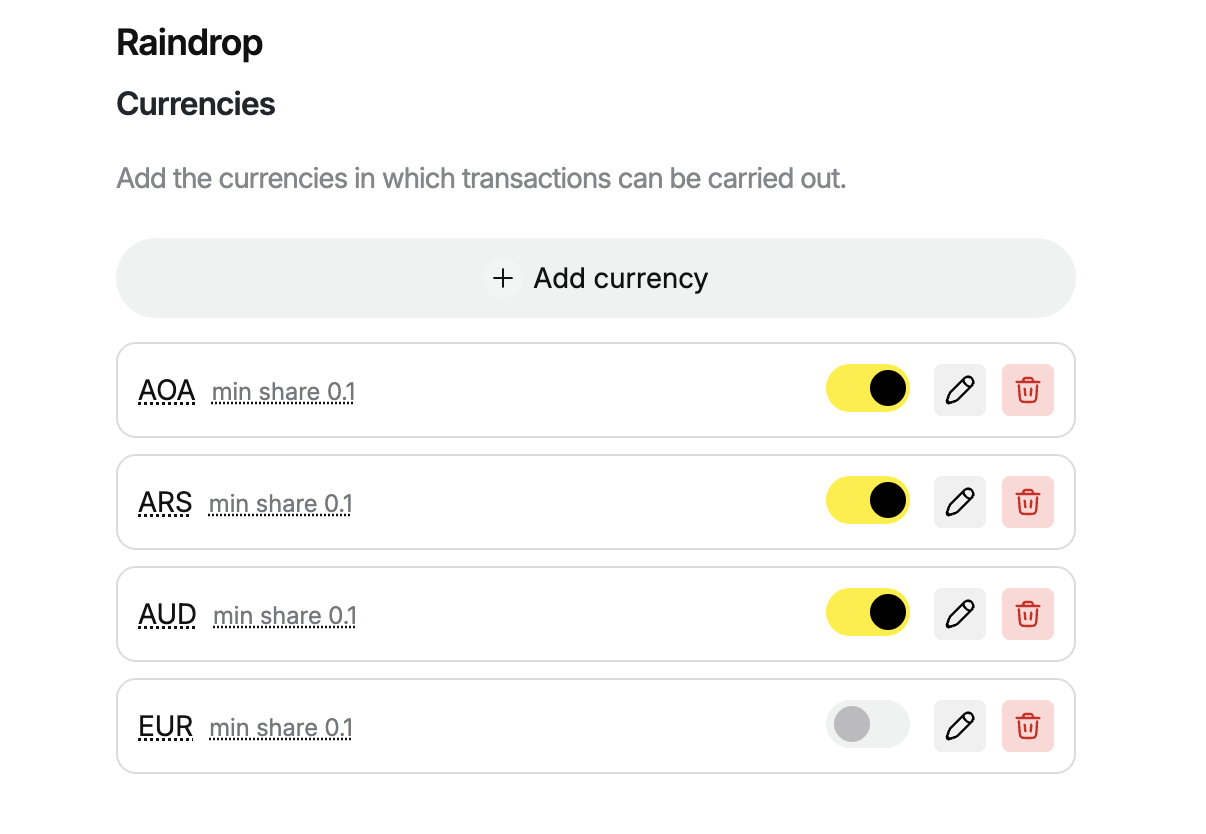 When you activate the feature, you need to choose currencies your users will be able to cooperate with. You can select from the list as many currencies as you need. While selecting, you will set the minimum amount of money users can transfer. After activating, you can turn off any currencies on the list, but you cannot delete any if at least one transaction was processed in this currency.
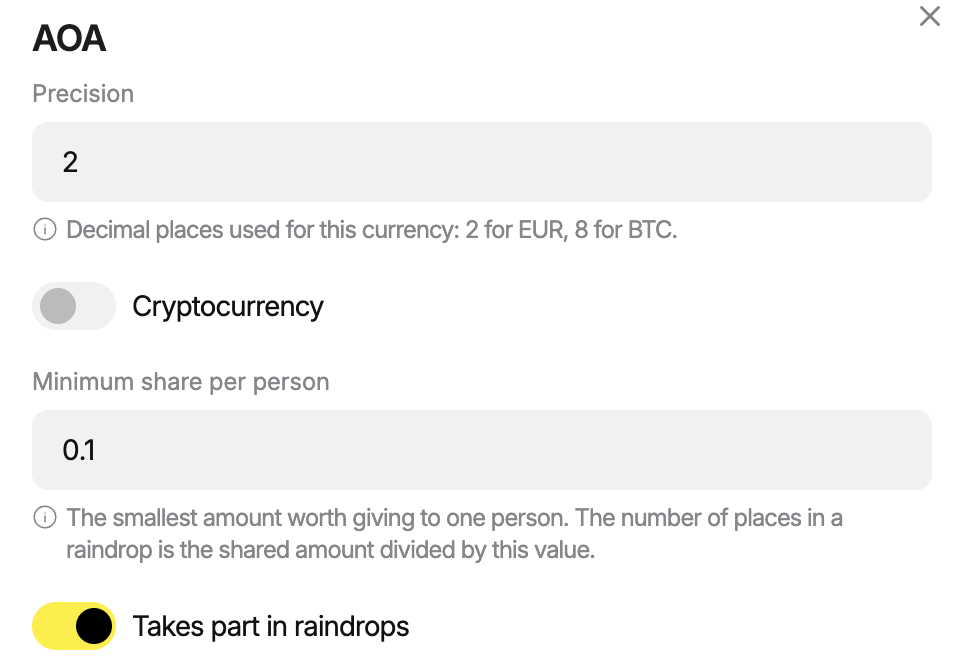
When you add a currency, you can edit for each the Decimal places used for this currency and the smallest share per person.
Smallest share per person
If the sum is not sufficient for the number of users the initiator identified, the sender sees the offer: your sum is sufficient for X users.
 Settings
In the Settings, which are similar for Tips and Raindrop, you need to identify:
Tips claim URL - the endpoint's URL on your backend, which has to process the request. When a user tries to claim the share, the Watchers server sends the request to this address with the data needed to process the transaction. Your backend receives the request and proceeds with the process.
Tips claim bearer - a secret Bearer token that is used to authorise such a request. Your backend knows this token and receiving the request, verifies it.
Claim URL — where Watchers server sends the request when users try to receive the share
Claim bearer — it is what Watchers uses to authorise while sending the request
User interface
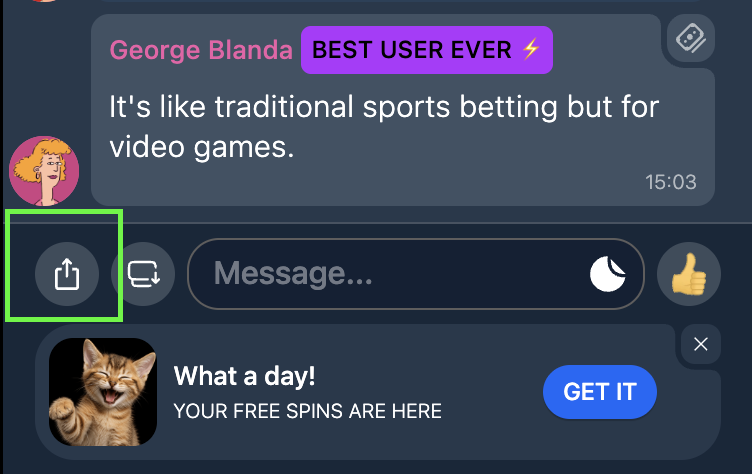
- By clicking the Add button, users see the line Send raindrop.
 2. Users need to fill out three fields:
- Sum and currency (one of the chosen currencies on the admin panel)
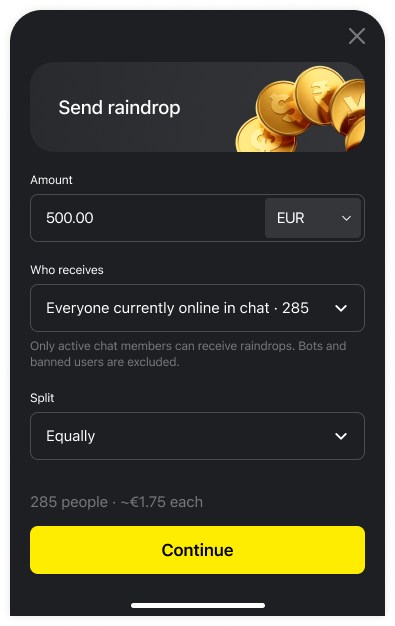 - Who will receive it: all active users (performed any action in a chat during the last 10 minutes and are online while the initiator clicks the button) or users who will join the raindrop clicking a widget within a minute.
- The way to split money: equally or randomly. See below how we count it.
- Then, the initiator needs to confirm the sum to share, number of recipients, the way to share money, and a warning that money will be taken from the user’s accounts and the action won’t be able to be undone.
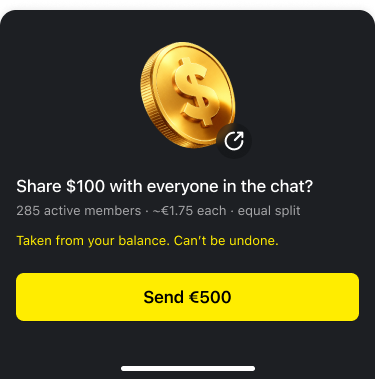 If the funds in the user’s account are not sufficient, the form identifies the leftover; the button to proceed is not active.
- After sending, the initiator sees the result window: the sum, how many users received money. The button Recipients with the list of users is available (the initiator can check the list of nicknames).
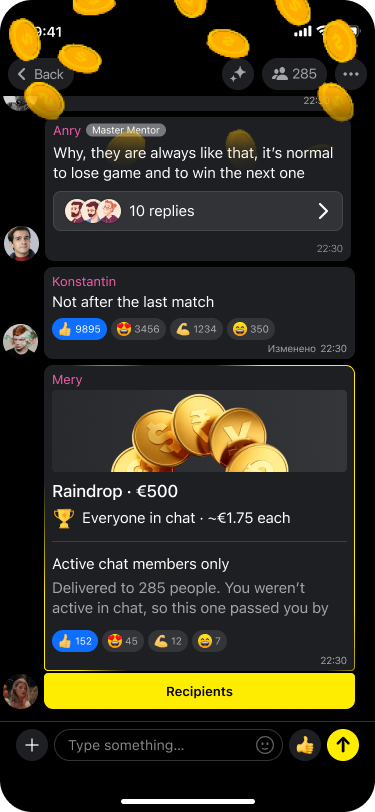
If the initiator chooses to send money to all active users
- All recipients see the window «You got €X» with the sender’s nickname and the sum.
- If the user doesn't receive any money, they see the window about the raindrop that happened, but also the text that they weren’t active and, because of this, didn't participate in the sharing.
If the initiator chooses to send money to all users who join the raindrop through the widget within one minute
- A window with a 60-second countdown appears for all users who are currently online. After clicking a join button, it is replaced with the toast «You're in».
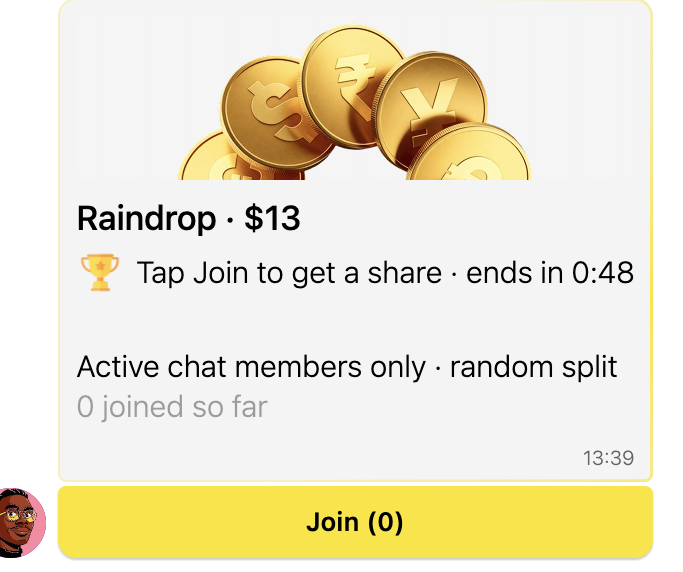
- After 60 seconds, the initial sum is shared with all participants, and the banner «Raindrop delivered» with the sum appears.
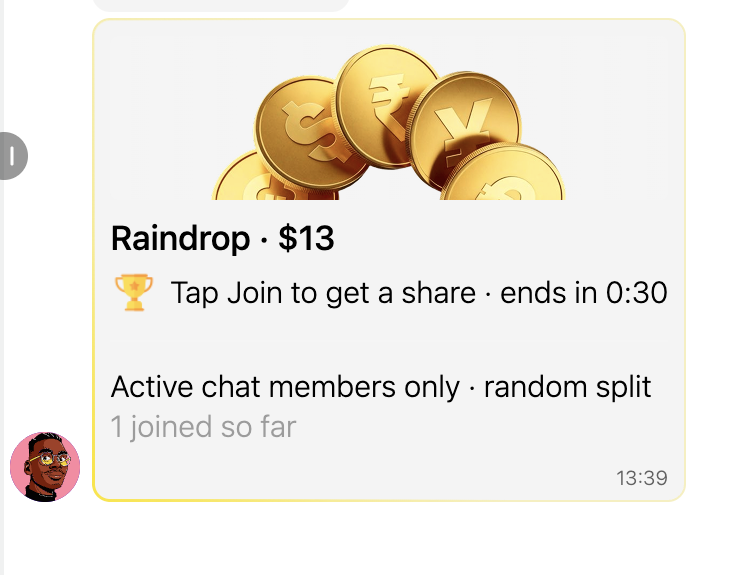
- Only active users (who performed any action in the last 10 minutes) can participate. If nobody reacted, the sum returns to the sender.
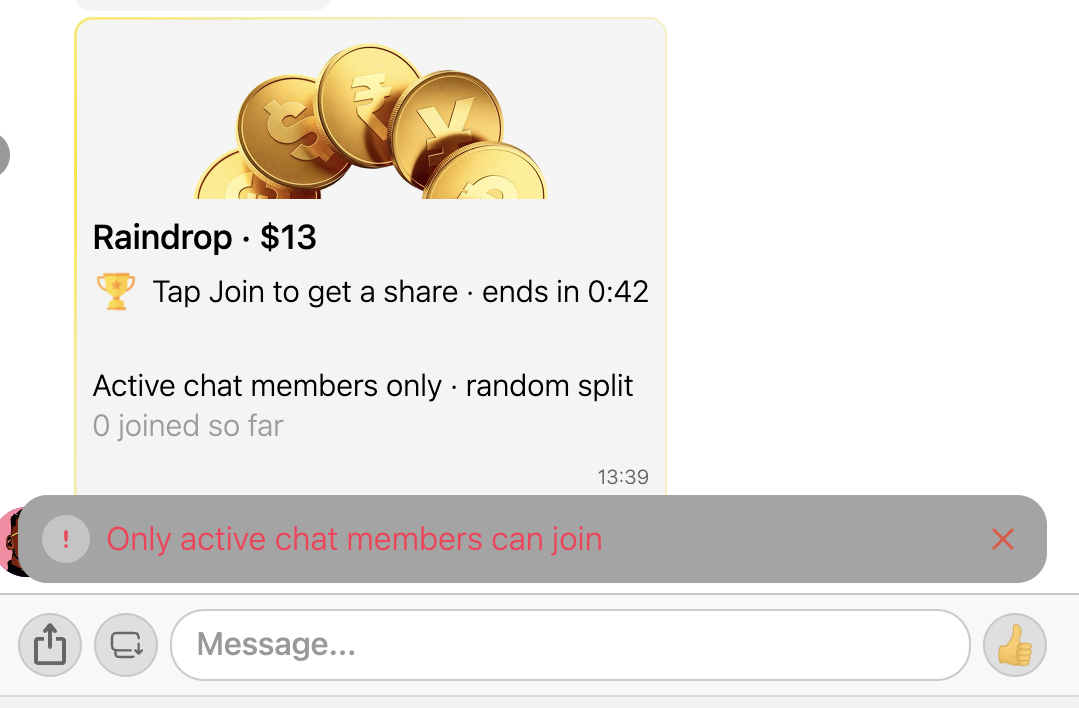
Who can not be identified as an active user
- Users from auto-posting, any bots, moderators, users created through the Communication mode on the admin panel, users who are in a shadow ban, banned users, and also the sender themselves
- The user counter doesn't identify the number of active users, because it can include users identified above
Sharing
Equally: all users receive the same amount of money, a change return to the sender’s account if available
Randomly: all users can get different sums; nobody can receive a sum which is smaller than the proposed minimum (the minimums identified in the back office)
Algorithm
Places = sum / minimum share, round down
If the number of places is less than 10, the form cannot be sent
Mode - For all users currently online
Users are sorted by the time of the last activity performed. If we have more users than places in the raindrop, only the first users are kept on a list
Mode - For users who react within one minute
The number of possible participants is clear and shown in the window. Users can join until the places are available. The number of recipients can be smaller than the number of possible participants.